


W3 - Shot Plan / Camera set up

Shot 1
- Small water wave, train tracks are showing under the water
- No camera movement
- No train showing
+ Frame range: 1-100
<first/ last frame>
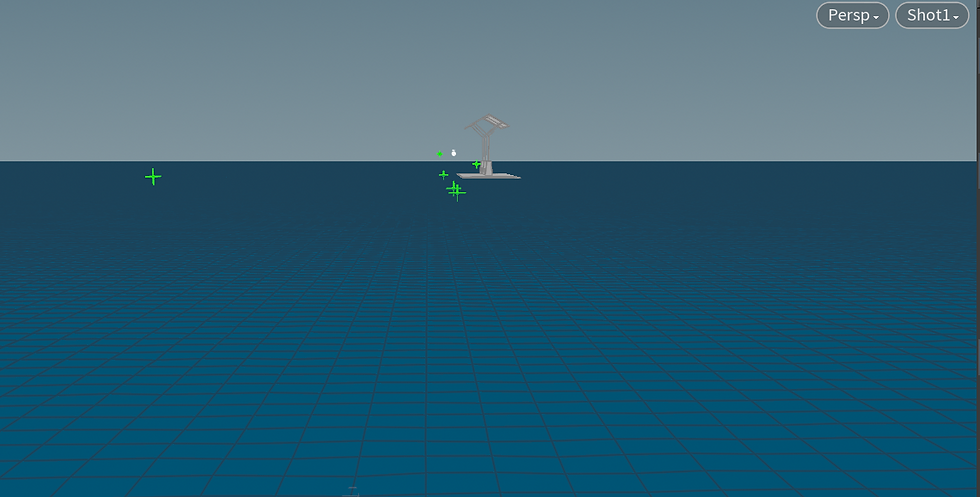
<Wired frame>

Shot 2
- Small water wave, HDRI reflection on the water
- No camera movement
- No train showing
- No train track showing
+ Frame range: 1-100
<first/ last frame>

Shot 3
- Small water wave
- No camera movement
- Train come in from right side
- Water sim
+ Frame range: 1-100
<first frame>

<last frame>

Shot 4
- Small water wave
- Camera following the train, in the middle camera close ups the train wheel
- Water sim
- Reflection, texturing
+ Frame range: 70-130
<first frame>
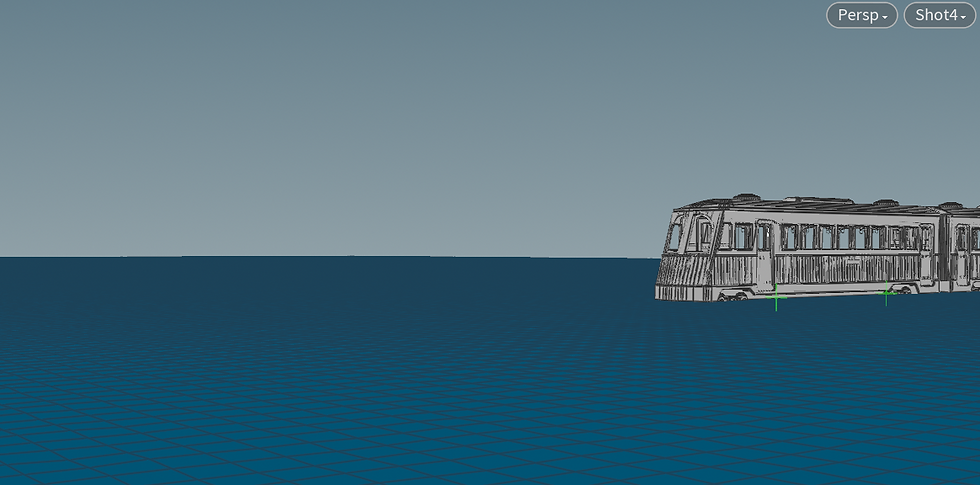
< last frame>

Shot 5 / 5-1
- Small water wave
- Wave causing when train is stopping at the station
- Lighting
+ Frame range: 100-180 / 180-250
<first frame>

<last frame>
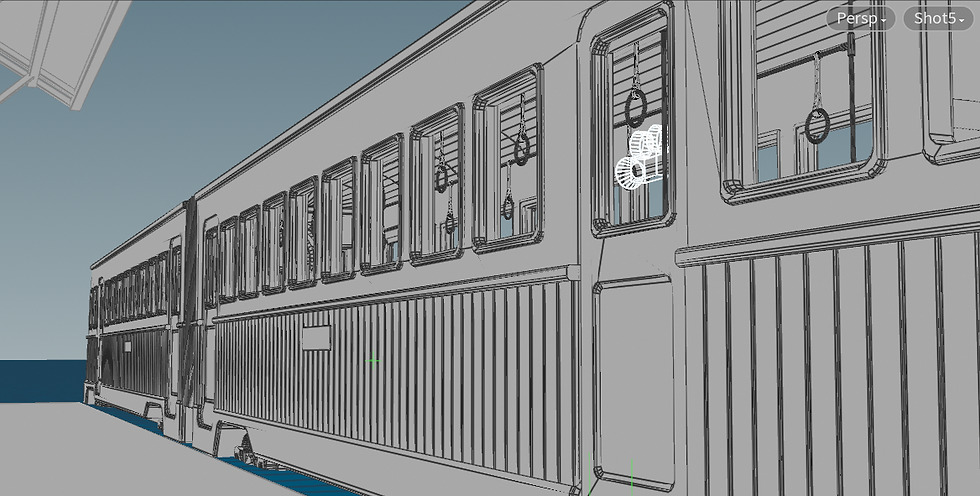
<Shot5-1>
Shot 5 -1 No camera movement, the train door will open

Shot 6
-Shot explains the interior of the train
-camera moves dynamically to the back of the train
+ Frame range: 180-360
<first frame>
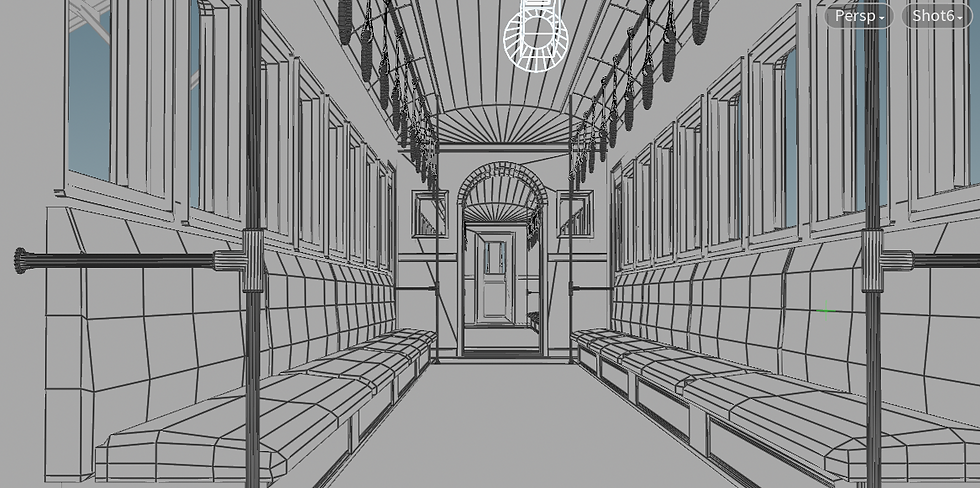
<last frame>

Shot 7
- Camera tilts little to the water, to show the water foam that train made
+ Frame range: 200 -360
<first frame>

<last frame>

<Wired frame>


Comments