


Week 3

Updated: Oct 2, 2022
Keen Tool match texture with 3D geo
*The third image is the previous texture with a lot of problem.
Figured out the main point of texture is 1- accurate and steady focal length,
2- it is better to connect step by step-> FaceBuilder, FaceTracker, and Texture Builder.
AND!!! <RELATIVE TO CURRENT FRAME>
HDR work on
Different exposure photography of chrome ball
(Using Light room and Photoshop)
- HDR Merge (WIP)

Trouble shooting / Keying

>Keylight

>Alpha Chanel
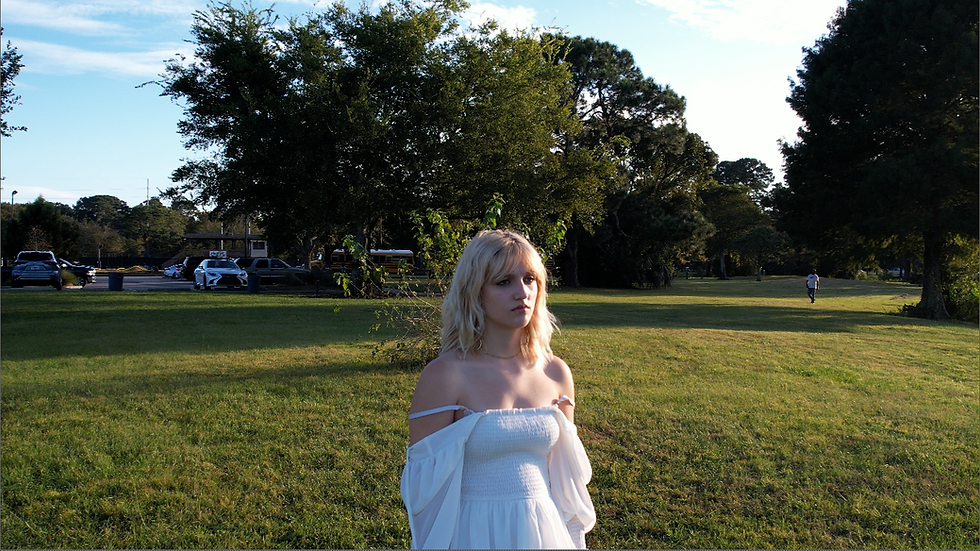
+The model's skin, hair, and the cloth she is wearing is reflecting green,
and causing a lot of noise.
Want to develop it and get clean and detailed result.
*TUTORIAL

> started to take Advanced keying tutorial from Linked in Learning.
it provides a lot of strong informations, so I hope I can figure out the answer for our work.
EXPERIMENTS
> How I experimented so far... I tried to get detail of hair and strong alpha channel.
Tried different keys, different approaches. I wondered if its denoise problem, so I tried to
remove all that, but did not really helped.
>Soft matte, Hard matte, Despill, denoise, edge improvements, and this is how I got the result. Happy with detailed alpha, but I feel I still need to improve more with noise and details. And this footage works better with primatte rather than keylight. When I try to key with keylight, and premult it, It was not giving me constant alpha. Then I tried to Grade (alpha) or scroll with black point and white point, I lost a lot of details, but with a lot of noises. So I used keylight as core matte to fill up the primatte soft matte result.

Comments