


Week 4

Updated: Oct 9, 2022
Working on Green Screen....
Original problem with hair detail
> Specifically the hair detail alpha channel was not including rgb asset, so when I see 2D channel, it showed as black line.
> Problem solved with changing channel merge to merge over, I tried various approach to understand it and make it happen.
KEEN FACE OBJ/FBX
> With chosen asset, I could create Keen face OBJ and expression tracking FBX based on my KEEN R&D. I was really gratitude to have this asset without and challenging.
Drone Shooting
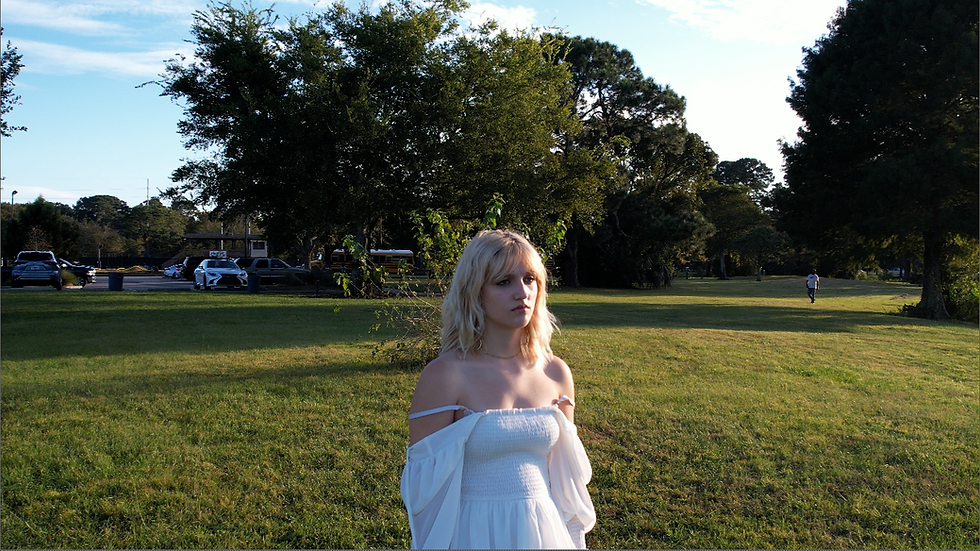
Based on our figured out previsualization and shot plan, we had additional shooting in Lake Mayer Park. There was cross country competition event, so we have a lot of job to clean up.
Up to do based on shots
Shot 1 - Clean up background people
Shot 2 - Green screen Asset
Shot 3 - Green screen
Shot 4 - Roto model from footage
Shot 5 - Roto model from footage
* Professor Bridget suggested NUKE and Unreal Plug-in.
It would be great for us to have it, so we will grab this as our option.
Back to Green screen noise.
> It seems we got clean alpha asset, but when I play the video, there is a lot of flickering artifacts around hairs, and eyes.
Tried to figure out what can be figure this out...
- Different renders : the original footage had different codec, so NUKE couldn't read it. So I used media encorder (Adobe) to convert this as exr, png, mp4(h.264) and mov. Also used different render setting too. But it did not really help.
- Experiment with Keying: After Denoise, I followed various tutorials in Linked in, Youtube, and in NUKE website. The keying worked great, but the noise and flickering kept appeared.
- Denoise Experiment: After I decided with my group members, we could say it is not the skill's problem, but it can be the footage's problem. So what I tried to do was change denoise node 'result' to 'noise', and search best spot to put noise, and recipe. Also, I could find best spot, but honestly we were still losing the hair detail.
> Then I started to watch tutorials about get best hair detail results, but they were all using the plug-in called 'noise reduction'.
Neatvideo
- I have experimented with its demo version, followed the guide line from here

It gives very ugly water mark, size 1280*720. I was thinking to remove it with roto paint...but maybe they already considered people might do it, so it is very complicated to remove it.
Before > After
**Good Tutorials I think it was helpful

Comments