


Week 5

Updated: Oct 22, 2022
This week TODO
- Greenscreen problem solve/ research
- Roto Model from shot 4 and 5
- Camera tracking
*Option - rotopaint shot 1
Rotopaint shot 1
Feed back and Advisement from Powerhouse
Q: To remove the grain and noise, what node do you recommend....
Is professional industry use neat video, or what kind of...plug in?
A: Using neat video in powerhouse, check the color space, the gizmo channelconnectsheet.
Start with researching the right codec...
What is HEVC? H.265?
-> which is the codec I never heard of. But when I encoded it to h.264, or targa, png, quicktime, the resolutions were drag down. why?
4 Reasons why HEVC..
*Difference compressing between HEVC and H.264


>> This was recommending cloud-based transcoding feature...
NUKE: How to import HEVC?

The tutorials I watched for the cloud base transcoding:
**Transcoding websites were required to pay, or little complicated to understand..
SO started to search in youtube. Here is the good tutorials...
Primere Pro
Davinci
How to find Bitrates of the video in the desk top....

AND IMPORTANT!!!!

The result comparison, I did both in Media Encorder and Davinci
Actually, the media encorder's Apple res 422 gave little more accurate color.
* https://support.foundry.com/hc/en-us/articles/115000229764-Q100319-How-to-use-colorspaces-in-Nuke-
* https://support.foundry.com/hc/en-us/articles/115000229764-Q100319-How-to-use-colorspaces-in-Nuke-
Trying out the gizmo Mentors mentioned..
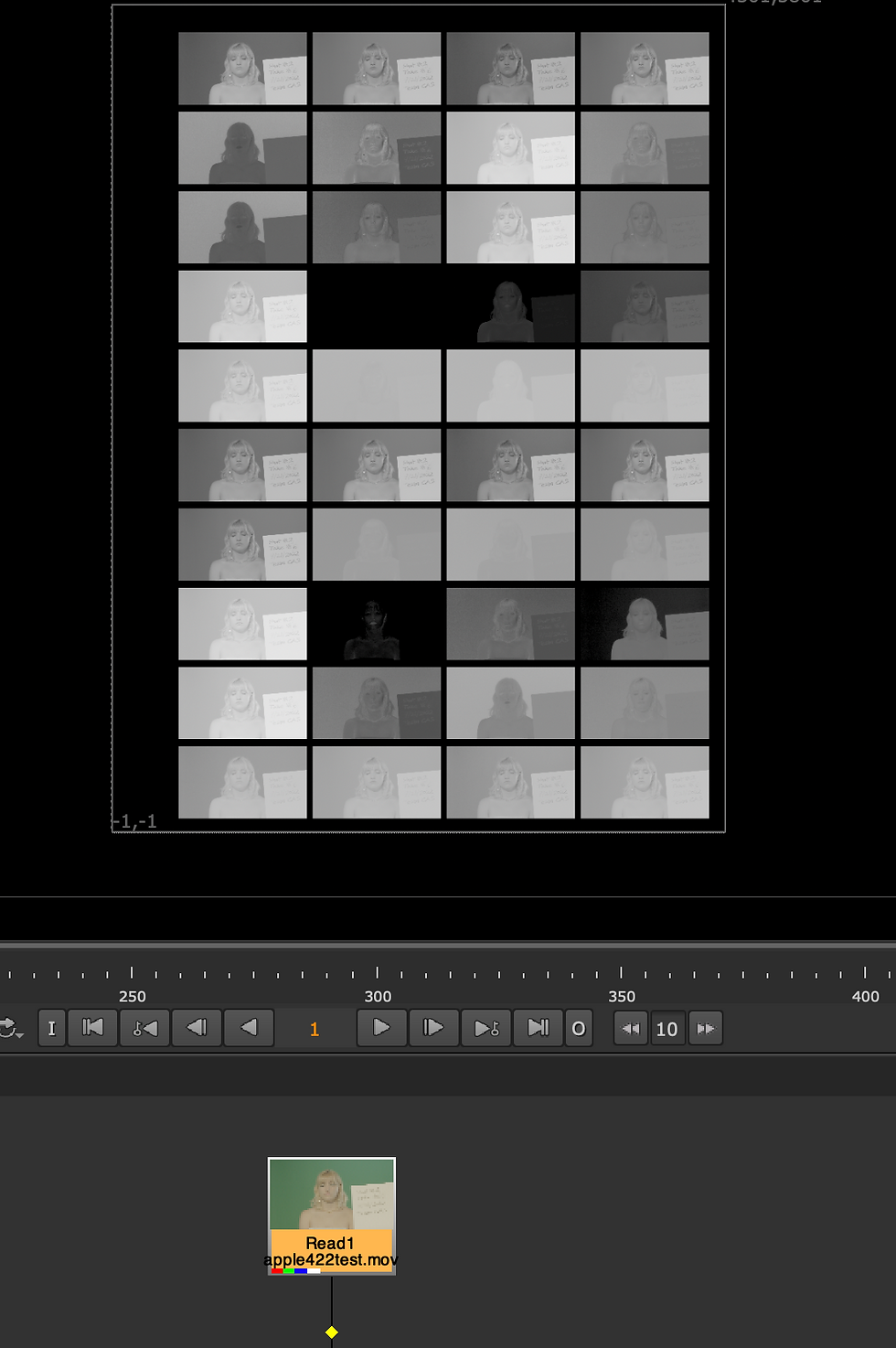
Rough Keying with corrected color space
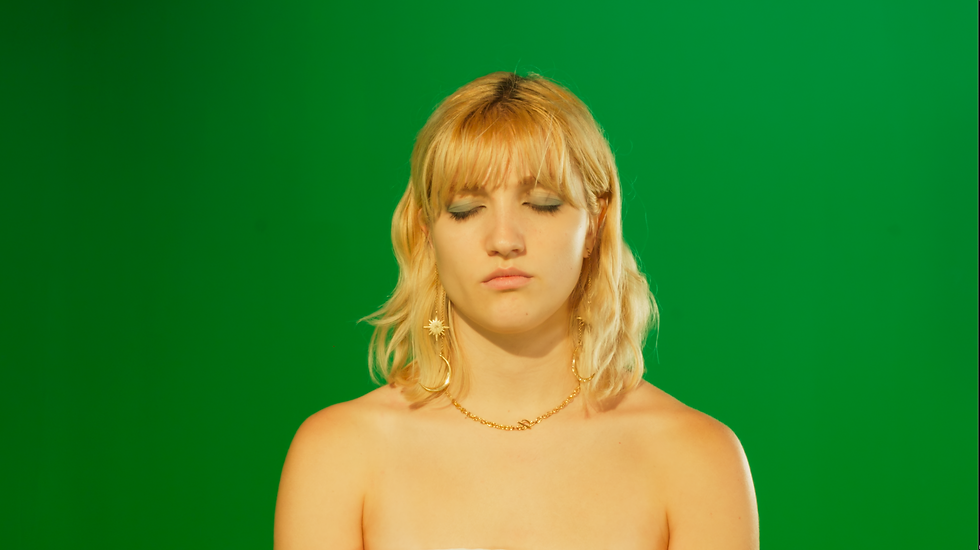
-> color space changed to ACEScg


Roto works
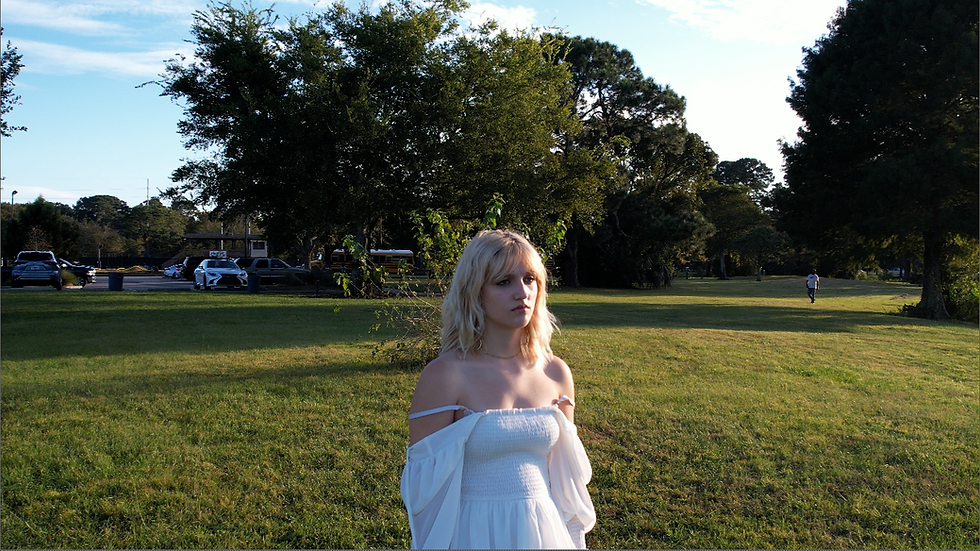
- Since shot 4 and 5 is drone footage... it wiggles up and down, had to find out camera stabilization.
3D Camera tracking stabilizer tutorial:

Comments